How it works
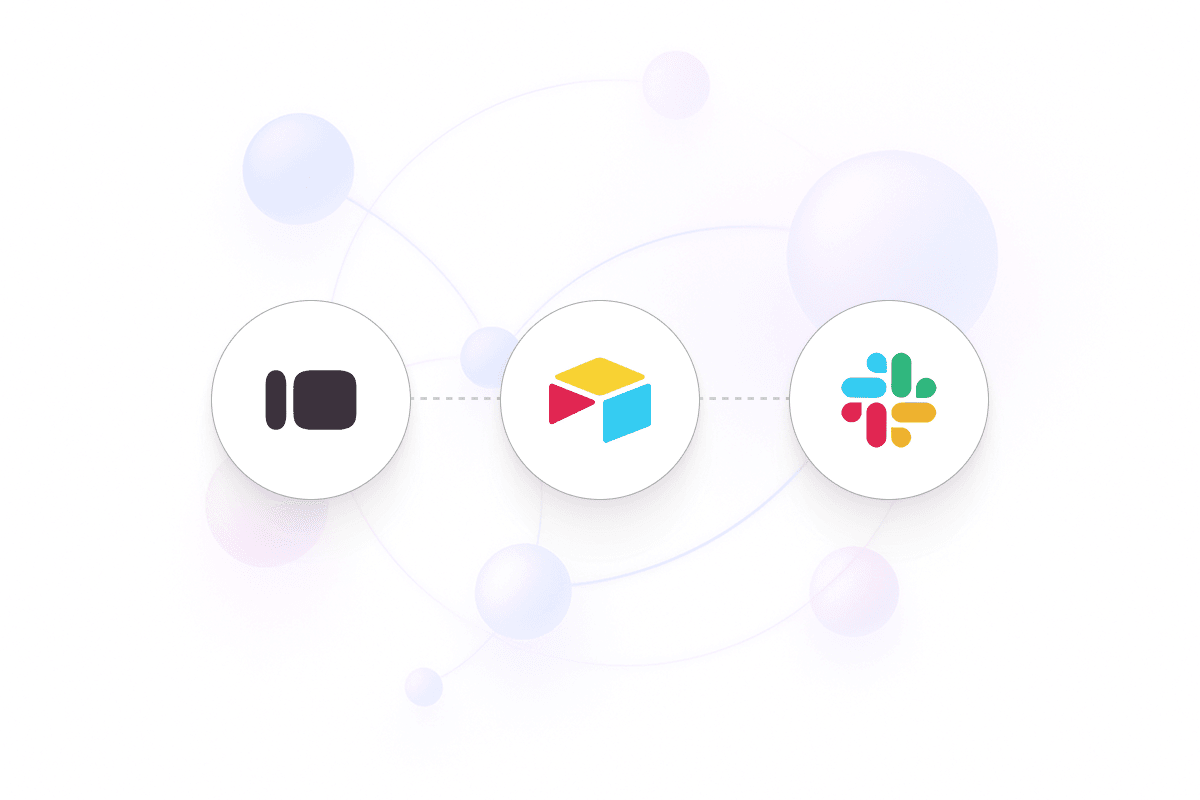
This sequence explains what the automation is doing behind the scenes so every step runs reliably without manual work:
Capture Typeform submission: A new submission fires the workflow.
Log to Airtable: Submission data is written into Airtable with your mapped fields.
Alert Slack channel: A summary of the response is posted to your chosen Slack channel.
Route follow-ups: Team members can respond or add status directly from Slack.
Keep this workflow as your baseline and extend it as needed. Explore more:
Explore more real-world automation templates
Browse all supported apps, triggers, and integrations


