How it works
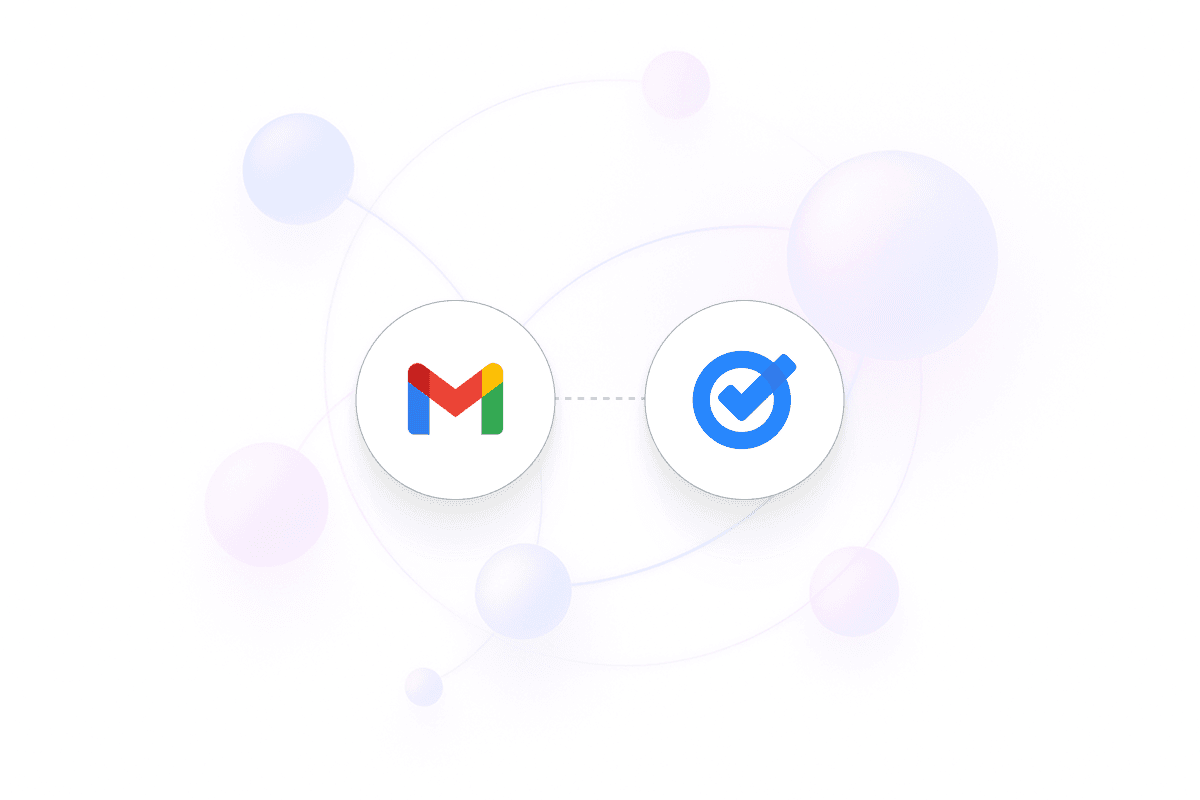
This sequence explains what the automation is doing behind the scenes so every step runs reliably without manual work:
Monitor Gmail labels: When an email receives a specific label, the workflow triggers.
Create Google Task: A Google Task is created using the email’s subject and link.
Preserve context: Key email details are stored in the task description.
Stay on top of follow-ups: Your inbox becomes a structured task pipeline.
Keep this workflow as your baseline and extend it as needed. Explore more:
Explore more real-world automation templates
Browse all supported apps, triggers, and integrations